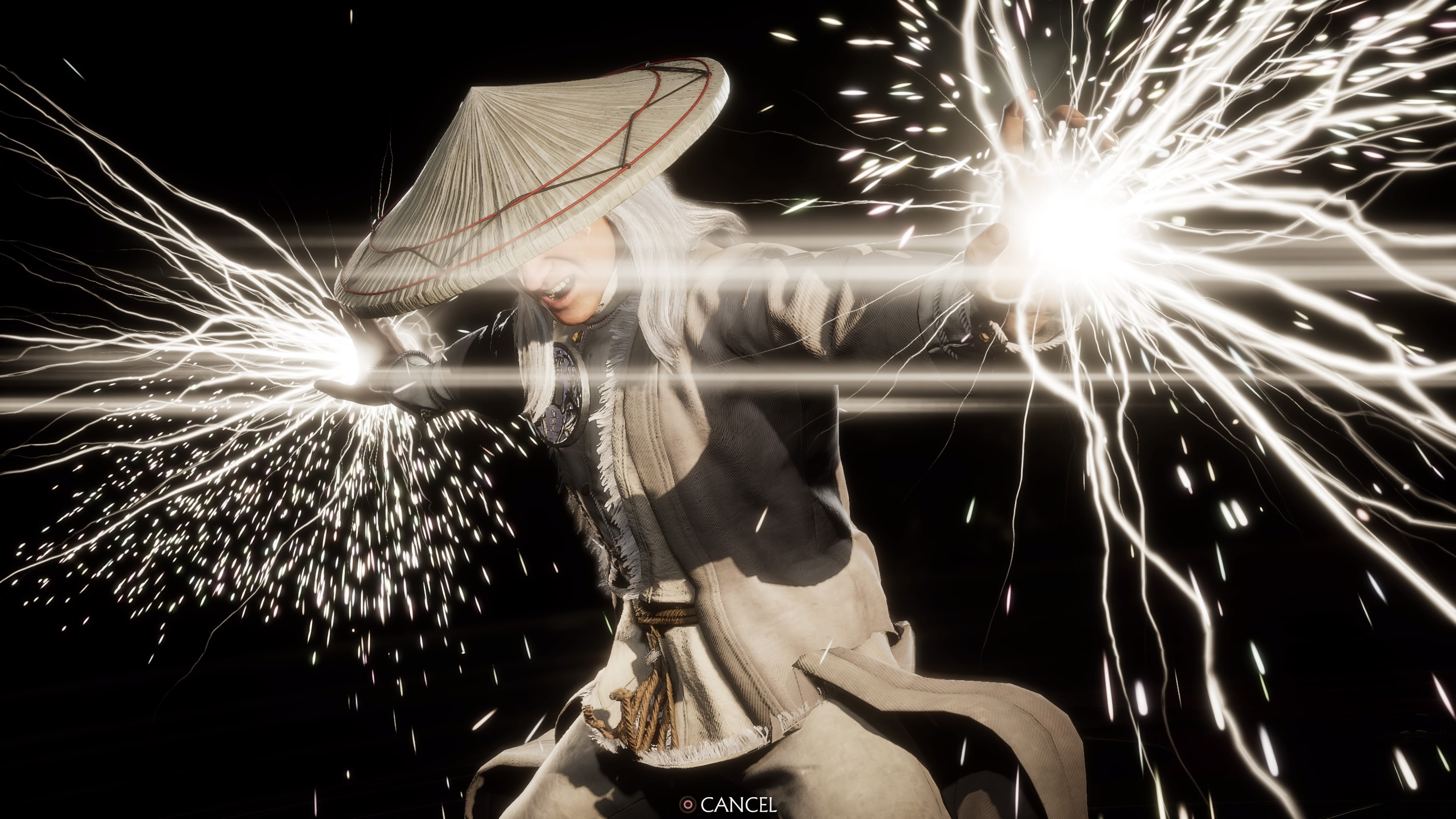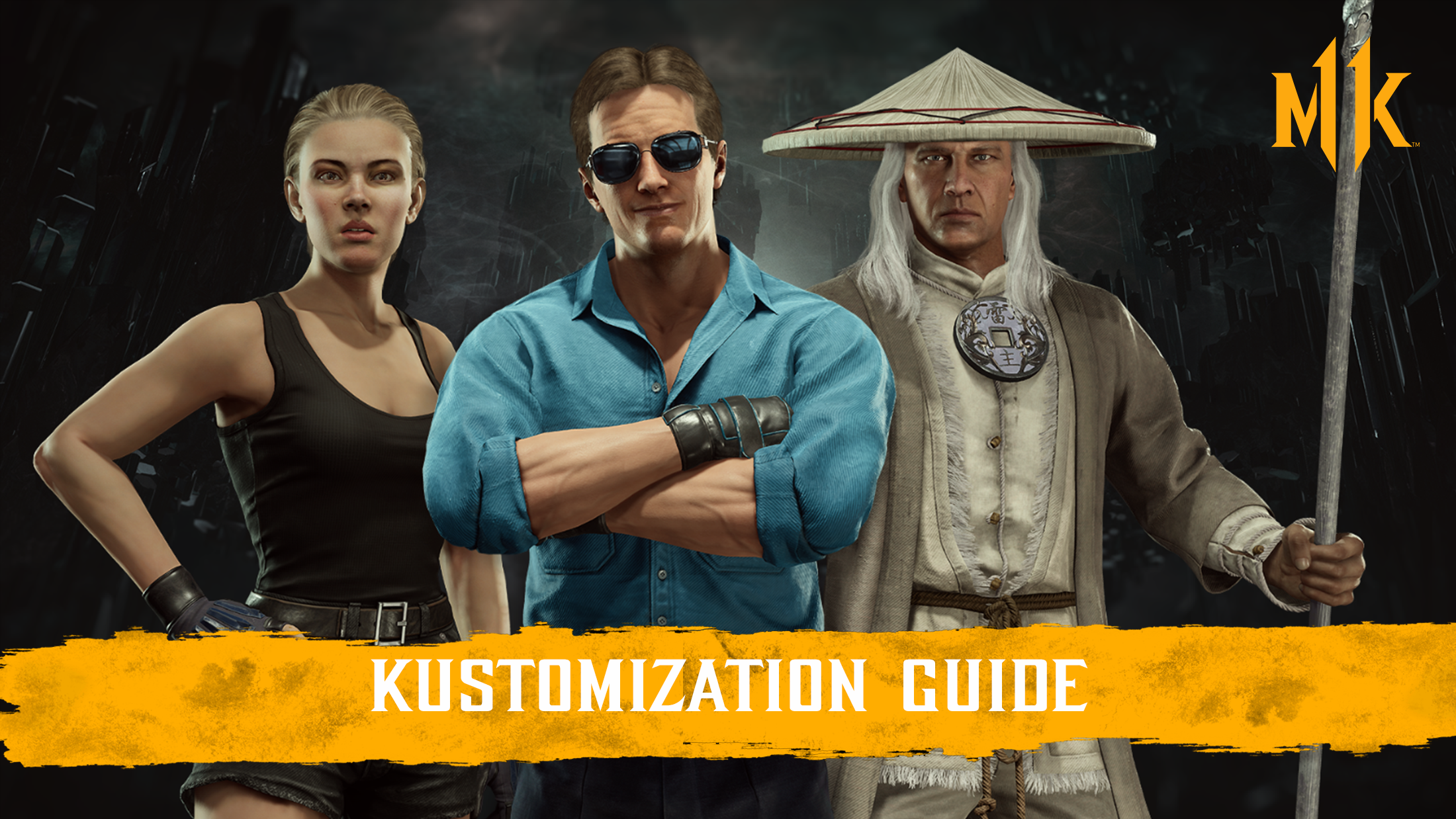
You can access Skins in Mortal Kombat 11 by assigning them to a Variation for the character.
To do this, visit the Kustomize Menu in-game and select the character you want to use a Skin for.
Next, either choose the Variation you want to assign the Skin to or create a new Variation for the character.
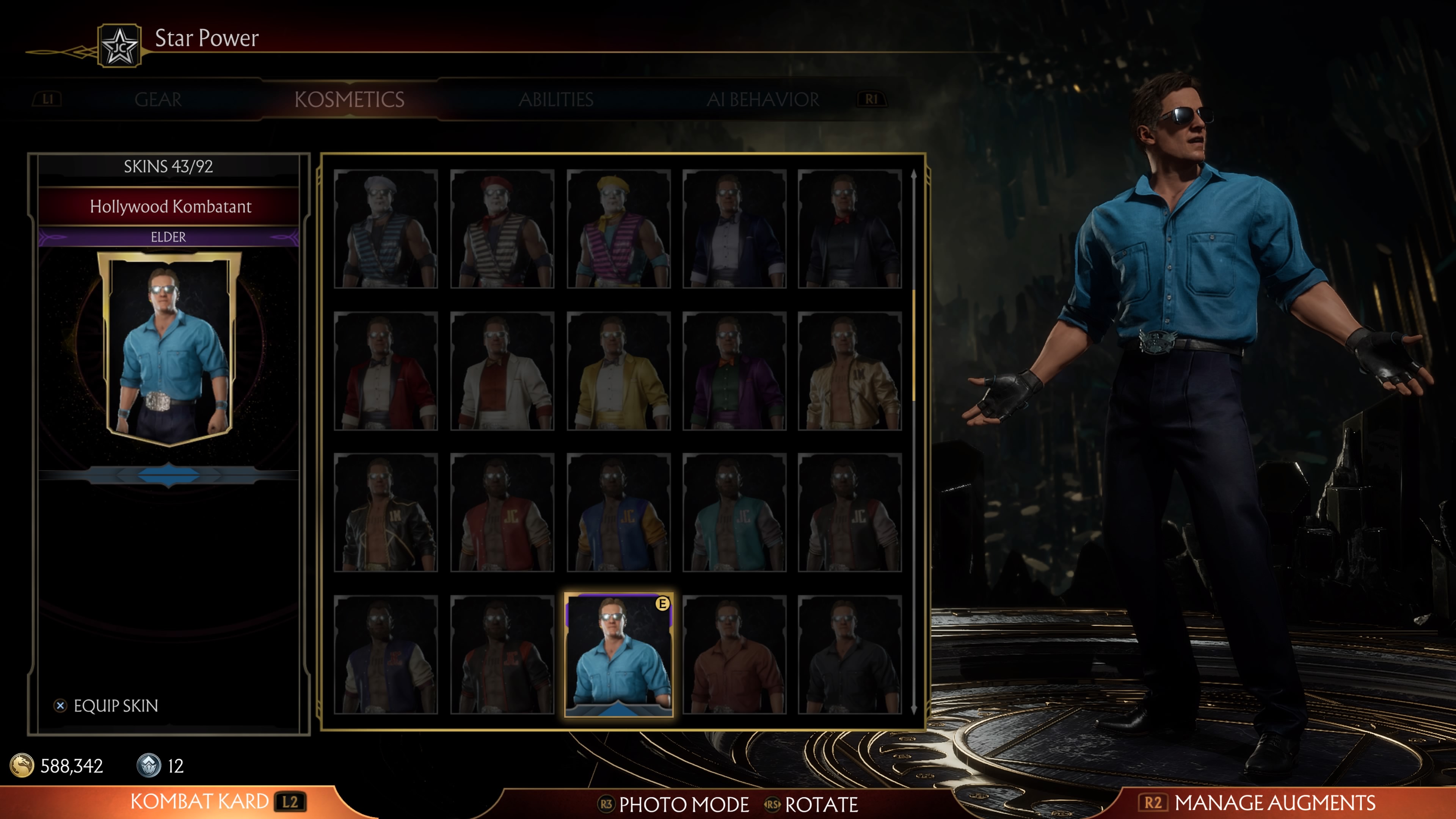
Once you’ve selected a Variation you can select the Kosmetics tab to view and assign Skins, Intro/Victory Cinematics, and Fatalities/Brutalities for the character.
Skins you have unlocked will be located near the top of your Skins list and you can also view Unlock criteria for other Skins for the character.
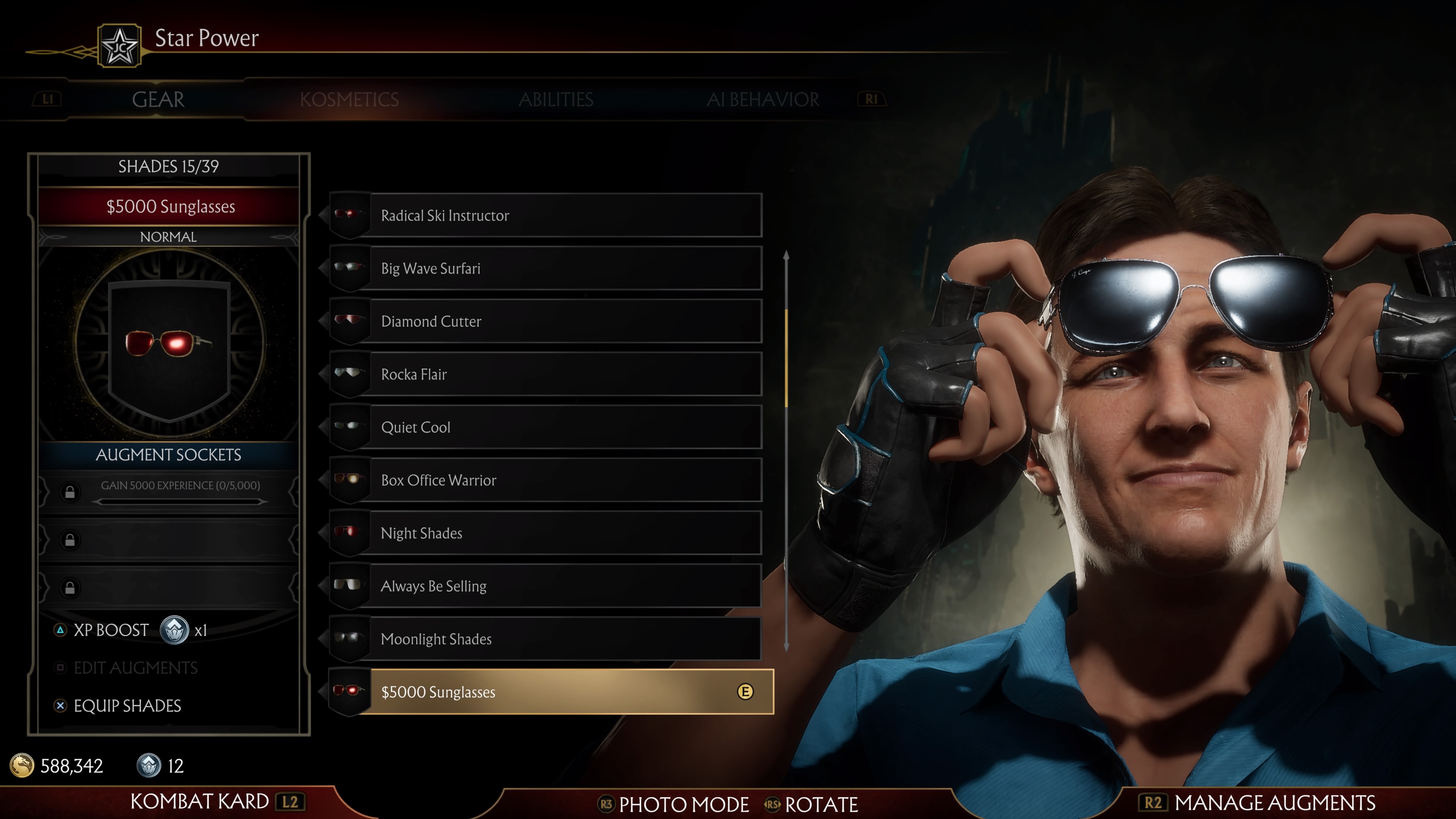
Gear also has unique appearances and can be Kustomized on the Gear tab for each Variation that you have for a character. Some Skins have unique pieces of Gear designed to complement them.
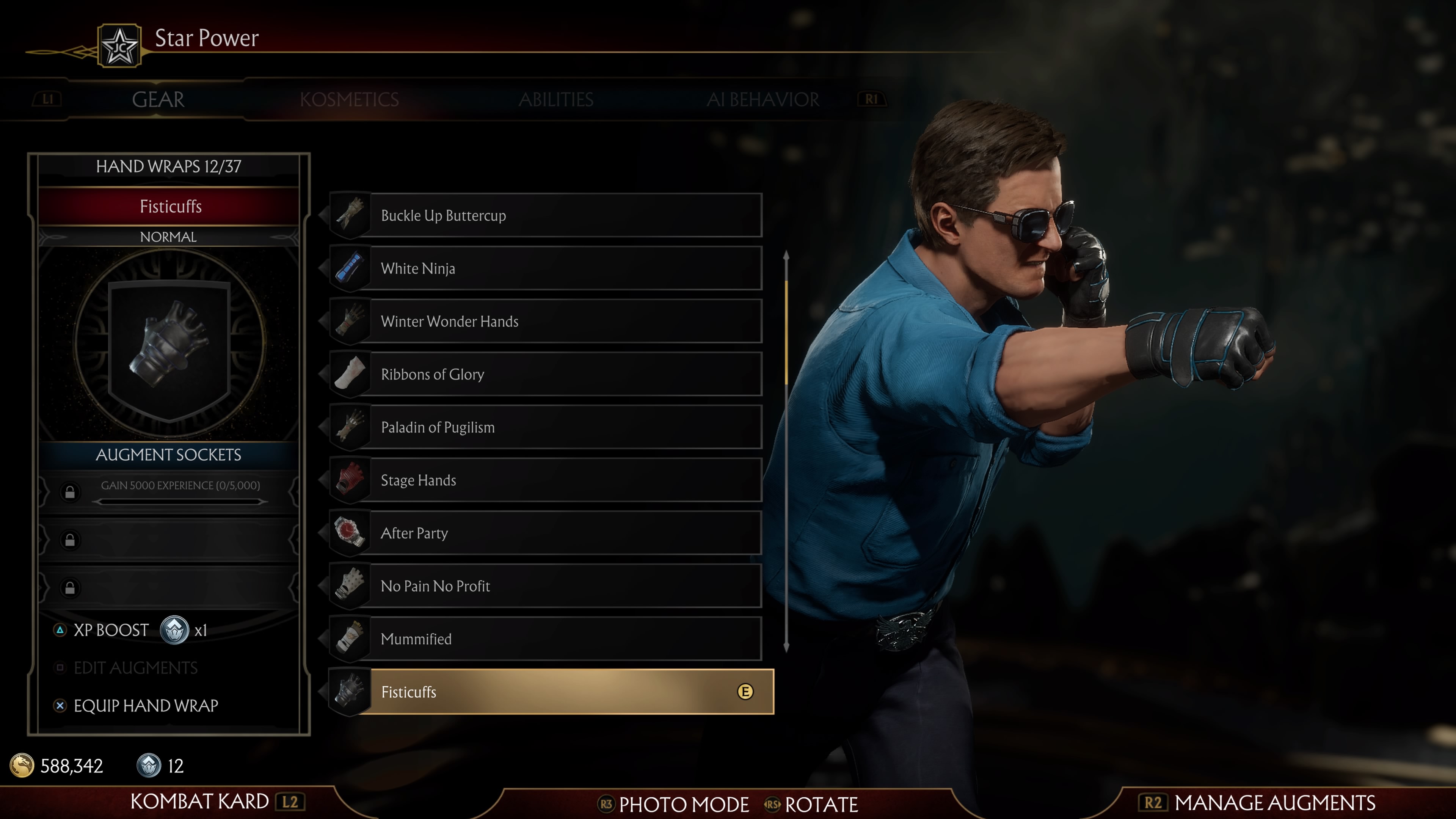
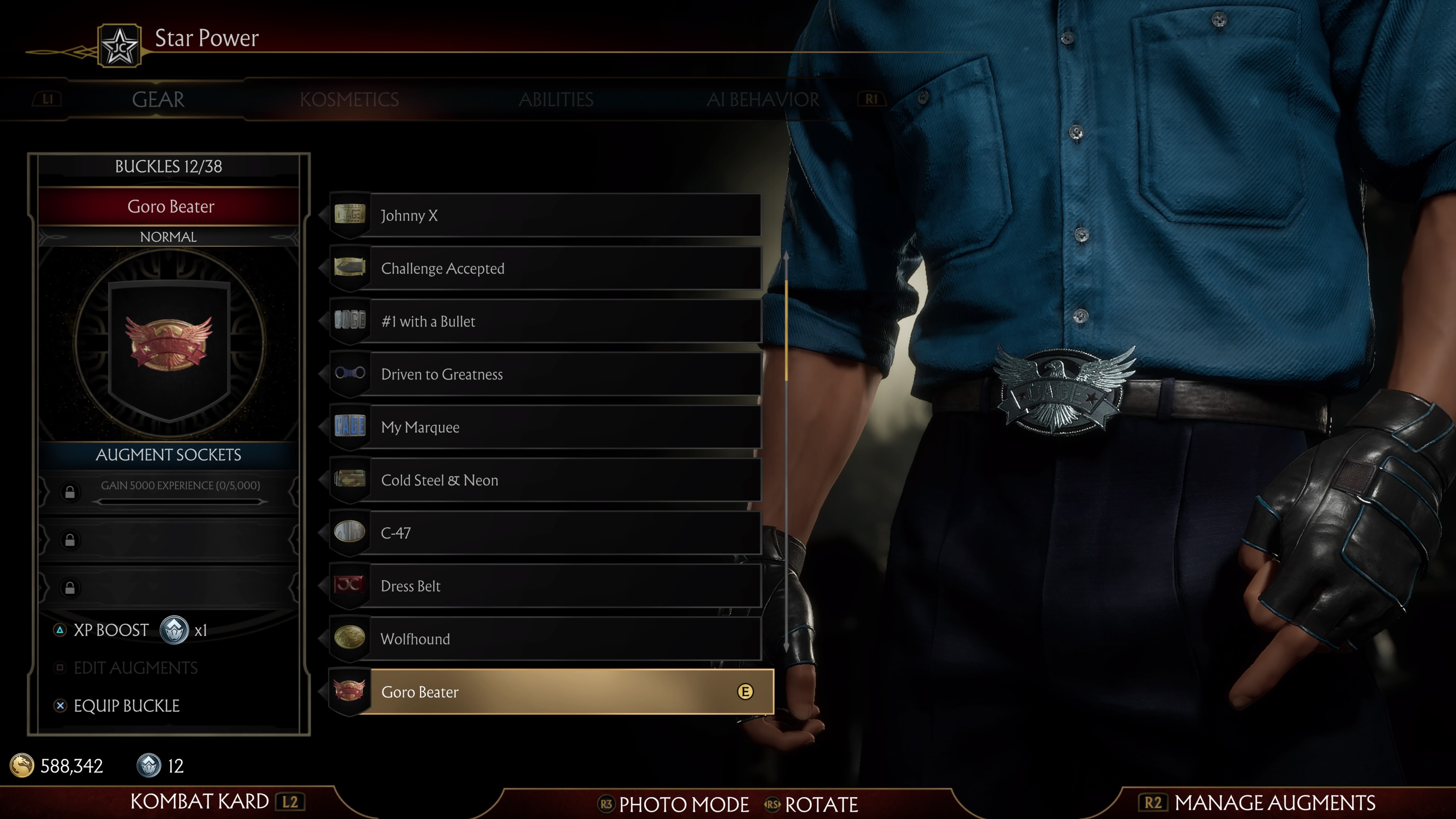
To use Kustom appearances in Ranked mode you can highlight the variation in the Kustomize menu and use the “Set as Default” option. Note that in ranked mode you will still need to use one of the three available pre-defined character variations that are available to each character but your Kustomized character appearance of the variation you have set as "Default" in Kustomize will be used.
Be sure to Kustomize both your Gear and your Skin to set yourself apart from the Kompetition!
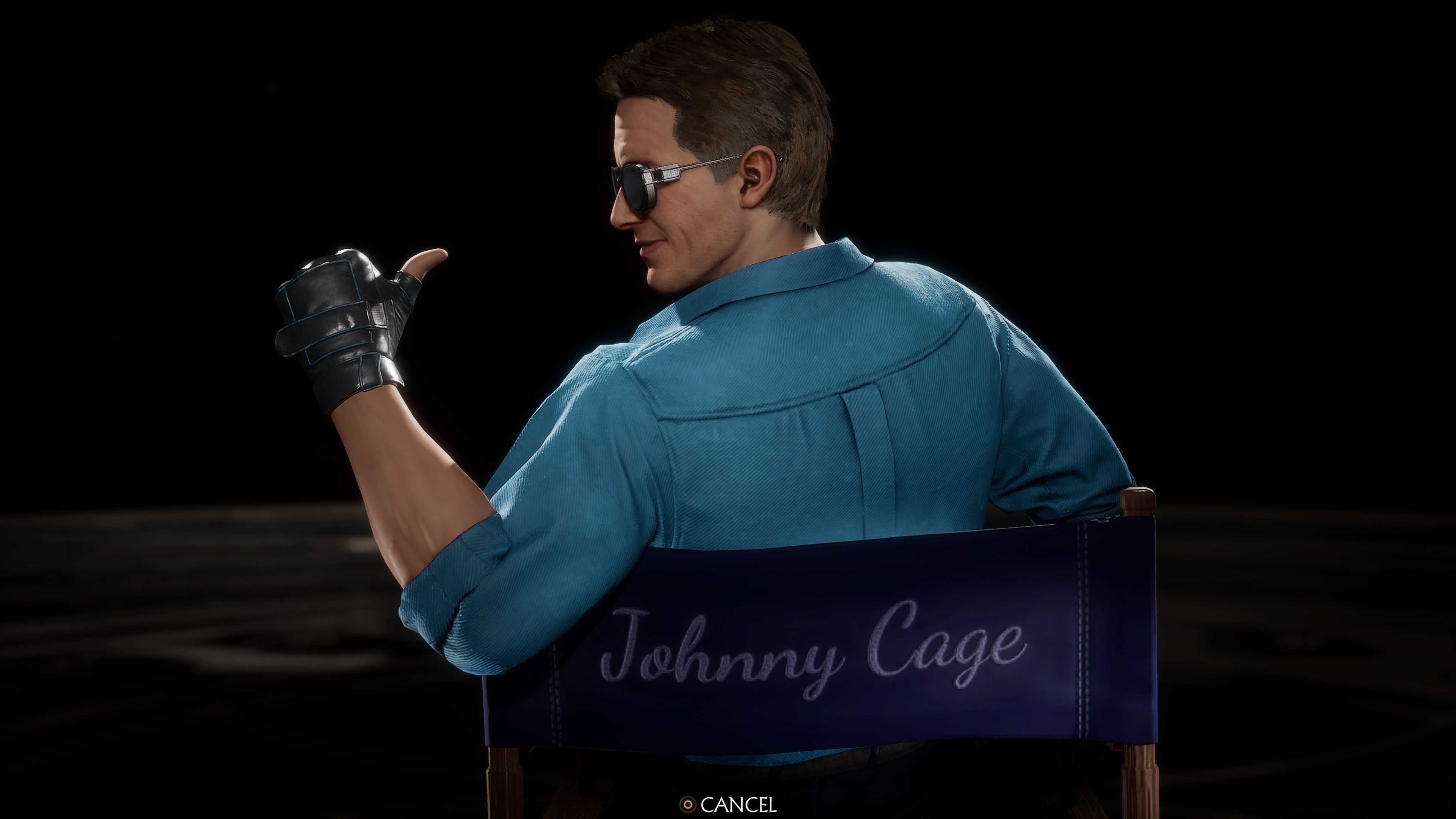
Hollywood Kombatant Johnny Cage
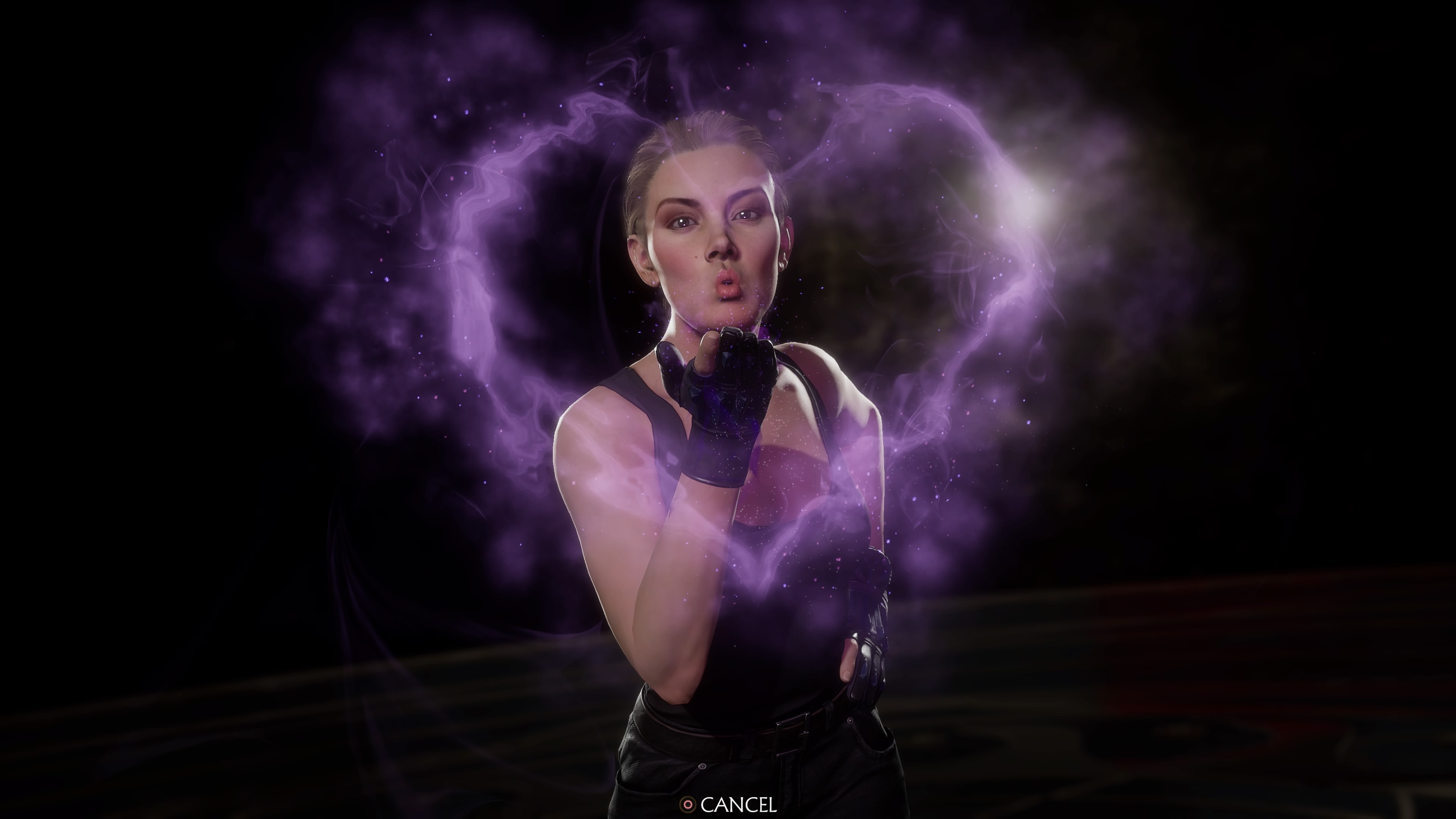
Island Bound Sonya
Protector of Earthrealm Raiden